
Tuffpuff Casino App Guide for Canadian Players
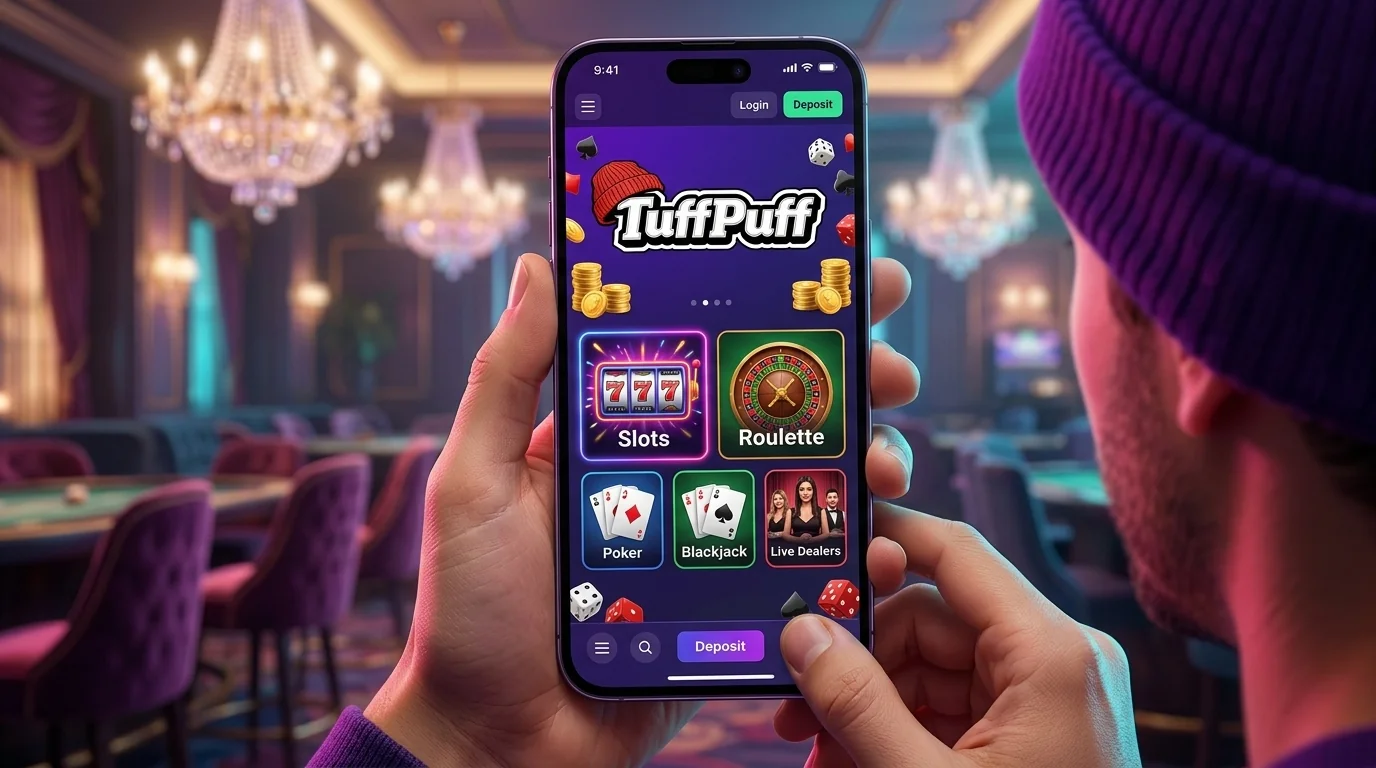
The Tuffpuff Casino app experience gives you access to casino games, promotions, your balance and account tools from a phone or tablet without maintaining a second player profile. For Canadian players, the important detail is that mobile access works through a compatible browser rather than relying on a separate native casino application.
If you searched download Tuffpuff expecting an App Store or Google Play installation, don't let the wording confuse you. You can open the casino from your mobile browser and keep using the same account you already have.
How to Access Tuffpuff Casino on Mobile
Mobile access starts with the browser on your device. You don't need another registration simply because you've moved away from a desktop.
Using Tuffpuff on Android
For Tuffpuff Casino Android, open the casino in a current Android browser and sign in with your existing account details. Chrome is the straightforward route for most Android phones, while Samsung users can also access the site through Samsung Internet.
Once you're inside, the browser gives you the same basic casino areas you need for regular play. You can open game categories, visit Promotions, check your account and move to the cashier without installing a second casino product. If your browser supports adding websites to the home screen, you can create a shortcut for faster access later.
That's the closest practical meaning of download Tuffpuff on Android.
The shortcut still opens the browser-based Tuffpuff app experience. It doesn't create a second balance, new promotion history or another account.
Accessing Tuffpuff on iPhone and iPad
Tuffpuff Casino iOS access follows the same principle, with Safari providing the normal route on iPhone and iPad. Open the platform, log in and you can continue with the account you already use on another supported device.
Safari can also place a website shortcut on your Home Screen.
This makes the Tuffpuff mobile app feel closer to a conventional app when you return regularly, but the underlying access remains browser-based. You don't need to search the App Store for another casino account or repeat registration.
If you're trying to download Tuffpuff because you want an icon beside your other apps, use the home-screen option available through the browser. Just remember that deleting that shortcut doesn't delete your casino profile.
What the Tuffpuff Mobile Experience Includes
Now to what actually happens after you get inside. The mobile layout keeps the main casino functions accessible from a smaller screen rather than reducing the site to a handful of games.
Mobile Navigation and Interface
The Tuffpuff Casino app lets you move between the game lobby, promotions, account tools and other casino sections from your phone. The exact arrangement naturally adapts to a smaller display, so menus that sit across a desktop screen may be condensed into mobile navigation.
You still have plenty to move through.
Main game routes include areas such as Popular, New, Hot, Slots, Jackpot, Live Casino, Bonus Buy and Instant Games. Provider browsing also helps when you want something from Pragmatic Play, Play'n GO, Evolution, Hacksaw Gaming, NetEnt or another available studio. Instead of repeatedly scrolling through the whole lobby, you can narrow the selection first.
Useful mobile routes include:
- Popular, for titles currently receiving more attention in the lobby.
- New, when you want recently added games.
- Slots, for reel-based casino titles.
- Live Casino, for dealer-led formats.
- Bonus Buy, for games offering direct feature-access mechanics where available.
- Providers, when you already know which studio you want.
That kind of filtering matters more on a phone because endless thumbnail scrolling gets old quickly.
Games and Promotions on Mobile
The Tuffpuff app doesn't maintain a special mobile-only game balance. Your account connects the same player activity across supported devices, while individual games remain subject to provider and location availability.
Promotions are accessible from mobile too. You can check the current welcome offer, recurring campaigns and other account rewards before depositing instead of relying on an old promotion description you saw elsewhere. That's particularly useful when an offer has a limited activation period or specific game conditions.
Take a second before you start playing with bonus funds.
Game contribution can differ under individual promotions, and some titles may carry restrictions. The Tuffpuff Casino mobile app gives you the convenience of checking that information while you're already on your phone, so use it before opening the first game that catches your eye.
Log In to Tuffpuff from Your Phone
Your mobile session leads back to the same registered account. You don't need one login for the desktop and another for your phone.
Mobile Account Access
Open the login area, enter the username or email connected to your profile and use your current password. The same principle applies whether you're using Tuffpuff Casino Android or Tuffpuff Casino iOS.
Keep the session private.
A personal phone is the sensible place to save convenient access, while borrowed or shared devices deserve more caution. Don't leave credentials saved in somebody else's browser, and sign out fully after the session if another person can use the device.
The Tuffpuff Casino app route doesn't change the one-account rule. If your existing credentials aren't working, recover that profile rather than creating another one through mobile.
Managing Account Settings
Your account area contains more than the login button. Player settings can also include responsible gaming controls, account information and access to transaction-related sections.
One available control is the Take a Break option, which can suspend account functionality for a selected period starting from 24 hours. While that restriction is active, you may retain view-only access, but normal casino functions remain unavailable until the chosen period expires.
That's useful to know before tapping around the Tuffpuff mobile app late at night simply because your phone is always nearby.
If personal information needs correcting, contact support rather than opening another account. Your profile is designed to stay consistent across mobile and desktop access.
Make Deposits and Withdrawals on Mobile
Here's where the browser becomes more than a game launcher. Once you're signed in, you can reach the account payment sections from mobile and manage deposits or withdrawal requests without switching to a desktop.
Mobile Deposits
Deposits are made through the casino account using the payment methods currently available to you. Their availability and processing time can depend on your location, financial institution and payment provider, so the cashier shown in your own account is more useful than a fixed universal list.
Use your own payment method.
The account rules require deposits to come from a personal card or financial account belonging to you, and third-party payments aren't allowed. That applies equally when you're using the Tuffpuff app from a phone. Moving the cashier onto a smaller screen doesn't loosen the ownership checks around a transaction.
Withdrawal Requests
A withdrawal starts inside your player account. Select the withdrawal section, choose an available method, provide any requested information and confirm the request.
The key mobile payment rules look like this:
| Action | What You Do on Mobile | Important Condition |
| Deposit | Open the cashier and choose an available method | Use your own payment account |
| Check balance | Return to your account after payment | Processing time depends on method |
| Withdrawal | Select Withdraw Funds and choose a method | Verification may be required |
| Payment route | Follow the options shown in your account | Withdrawal normally follows the deposit channel |
| Status issue | Check your account or contact support | Processing varies by method and verification |
Verification can become part of the withdrawal process, particularly when identity, location or payment ownership needs confirming. Requested evidence may include identification documents and proof connected to the payment method.
The Tuffpuff Casino mobile app doesn't promise one universal withdrawal time. Some payment methods may move quickly while others can take several business days, and verification can add extra time.
If you've used download Tuffpuff to keep a quick-access shortcut on your phone, don't mistake faster access to the cashier for faster financial processing. Those are two separate things.
Fix Common Tuffpuff Mobile Issues
Mobile problems are usually easier to solve when you identify what has actually stopped working. A page that won't load, a login failure and a game that doesn't launch shouldn't all receive the same fix.
Start with the smallest change.
- Page not loading: check your Wi-Fi or mobile data, then reload the browser.
- Login keeps returning: confirm cookies are enabled and try a fresh browser session.
- Old page version appears: clear cached site data after simpler refreshes fail.
- Game doesn't open: try another game first to see whether the issue is title-specific.
- Layout looks broken: update your browser and reload the page.
- Payment section stalls: don't repeat the transaction immediately; check your balance and payment status first.
- Account issue continues: contact support with the device, browser and exact error ready.
For Tuffpuff Casino Android, testing another current browser can help separate a device problem from a browser issue. On Tuffpuff Casino iOS, close duplicate Safari tabs and reload the casino before changing account settings.
Don't repeatedly tap Deposit, Withdraw or Log In while the connection is hanging.
If the Tuffpuff app works normally on another trusted device, that points toward your original browser or connection. If it fails everywhere, the issue is more likely connected to the account or service itself.
Players searching download Tuffpuff should also remember that a home-screen shortcut can sometimes hold onto an older browser session. Opening the casino directly in the browser is a simple way to test whether the shortcut is the problem.